Website Visitor Tracking: Your Complete Guide to Understanding User Behavior
Transform anonymous visitors into actionable insights with proven tracking strategies that drive real business growth.
Supatraffic Team
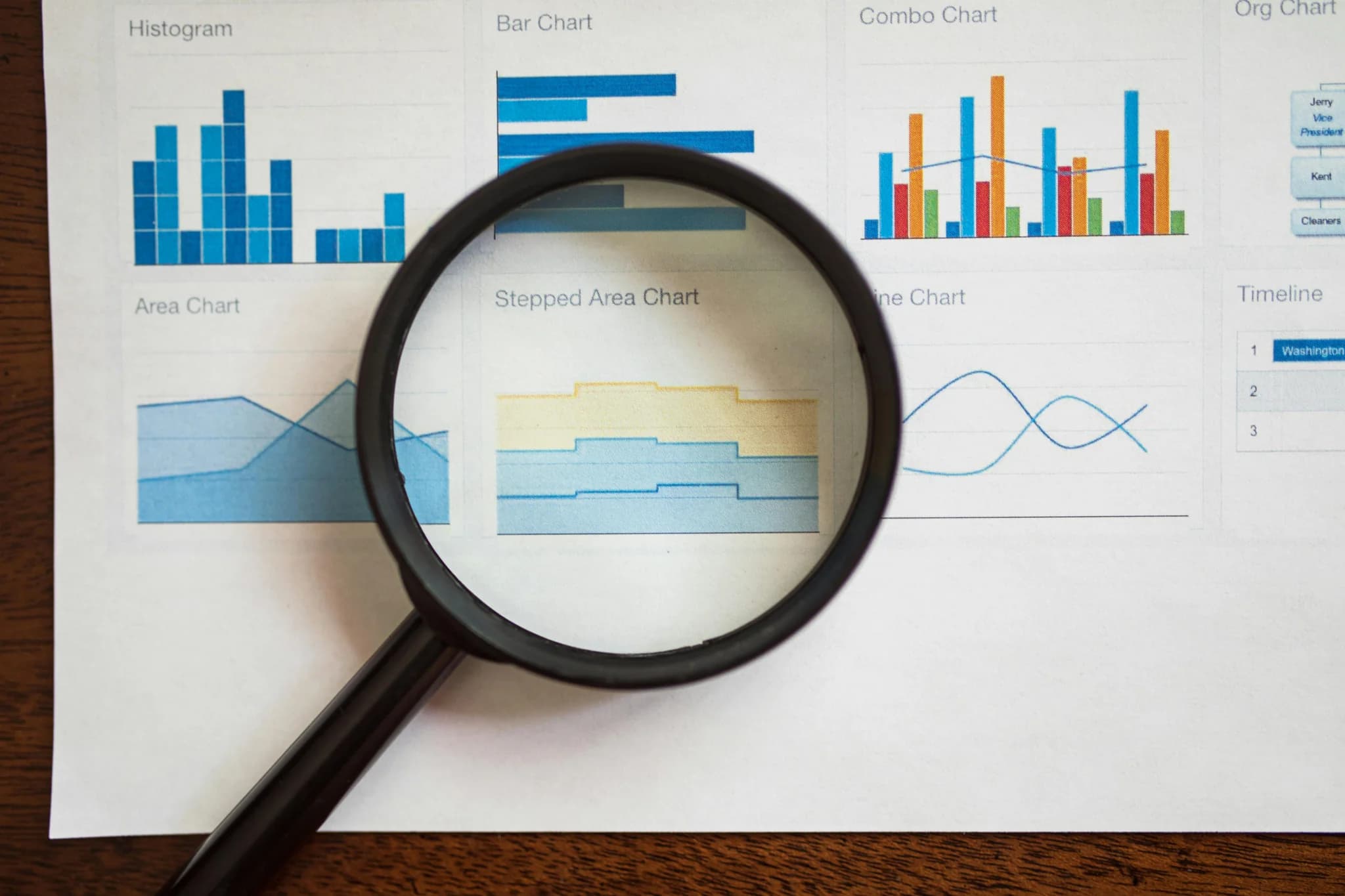
Website Visitor Tracking: Your Complete Guide to Understanding User Behavior
Transform anonymous visitors into actionable insights with proven tracking strategies that drive real business growth.
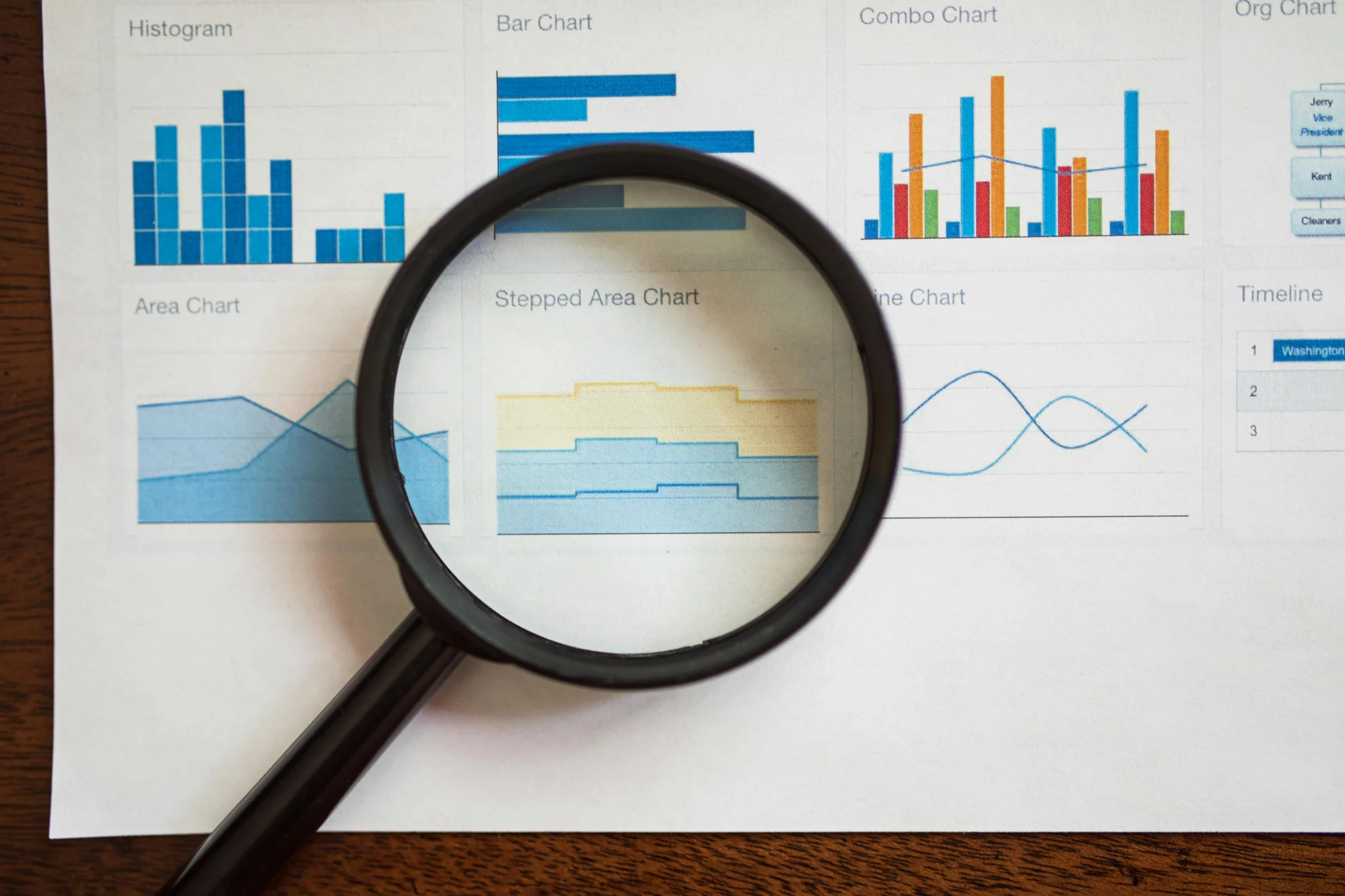
Why Website Visitor Tracking Matters More Than Ever
Think of your website as a busy store. Every day, hundreds or thousands of people walk through your digital doors. But unlike a physical store, you can't simply watch them browse or ask what they're looking for. That's where website visitor tracking becomes your superpower.
Website visitor tracking is more than just counting clicks. It's a core business strategy that reveals how real people interact with your site. This data helps you make smarter decisions about marketing, user experience, and content that actually drives growth.
In 2025, tracking has become even more critical as businesses face challenges with third-party cookies and privacy restrictions. Studies show that about 97% of website visitors leave without taking action, representing massive missed opportunities. Understanding who these visitors are and what they want can transform your business results.
What Is Website Visitor Tracking?
Website visitor tracking collects and analyzes information about people who visit your site. It goes beyond simple page counts to capture events, user flows, and behavior patterns. This includes tracking activities like page views, button clicks, form submissions, and navigation paths.
The goal isn't just to gather data points. It's about finding actionable insights that drive real business growth. For example, discovering why users abandon shopping carts or which blog posts lead to demo requests can dramatically improve your marketing ROI.
The Shift from Data Collection to Action
Many businesses make a common mistake. They collect tons of data but don't know what to do with it. The key is identifying metrics that align with your goals, such as conversion rates, bounce rates, or session duration.
Focus on metrics that answer important questions:
- Which pages keep visitors engaged the longest?
- Where do potential customers drop off in your sales funnel?
- What content drives the most conversions?
- How do different traffic sources perform?
Understanding Core Website Metrics
To make sense of visitor tracking, you need to understand two types of metrics. These form the foundation of all your analytics work.
Building Block Metrics
These are the basic measurements that show your website's reach and activity:
Unique Visitors tell you how many individual people visit your site. This metric shows your actual audience size, not just how many times your site was viewed. It's crucial for understanding your reach.
Sessions measure how often people visit your site. One person might have multiple sessions over time. This helps you understand visit frequency and engagement patterns.
Pageviews count the total number of pages loaded. This shows overall volume and helps identify your most popular content.
Engagement Metrics
These metrics reveal the quality of your traffic and how well your content resonates:
Bounce Rate shows the percentage of visitors who leave after viewing just one page. A high bounce rate might indicate content issues or problems with user experience. However, context matters. A blog post with a high bounce rate might still be successful if readers found what they needed.
Average Session Duration measures how long visitors spend on your site. Longer sessions usually mean more engaged visitors who find your content valuable.
Pages per Session tracks how many pages users view during each visit. More pages typically indicate higher interest and better navigation.

Choosing the Right Website Tracking Tools
The best analytics tool depends on your specific needs, technical comfort level, and privacy requirements. Let's explore your options.
Google Analytics 4 (GA4): The Industry Standard
Google Analytics 4 represents a complete redesign from Universal Analytics, introducing an event-based model that focuses on user interactions rather than sessions. It's free, powerful, and used by millions of websites worldwide.
GA4 offers several advantages:
- Cross-platform tracking for websites and mobile apps
- Advanced machine learning for predictive insights
- Built-in privacy features for GDPR and CCPA compliance
- Integration with Google Ads and other marketing tools
- Customizable reports and real-time data processing
The downside? GA4 has a steep learning curve. Many users find the interface complex compared to previous versions. However, investing time to learn GA4 pays off with comprehensive insights.
Privacy-Conscious Alternatives
Not everyone wants to use Google Analytics. Privacy concerns and data ownership lead many businesses to explore alternatives.
Matomo is an open-source analytics platform you can self-host. It's trusted by government bodies including NASA, the European Commission, and the United Nations. With Matomo, you maintain 100% data ownership and complete control over privacy settings. It offers similar features to GA4 but requires more technical setup.
Fathom Analytics takes a minimalist, privacy-first approach. It's simple to use, requires no cookie consent banners in many cases, and provides essential metrics without overwhelming complexity. Fathom is perfect for small businesses who want straightforward insights without technical headaches.
Other notable tools include Tidio for real-time visitor monitoring, Smartlook for session recordings and heatmaps, and Mixpanel for detailed behavioral analytics.

Setting Up Google Analytics 4 Properly
Proper setup is crucial for accurate data collection. Follow these steps to get GA4 running correctly.
Step 1: Create Your Property
Log into Google Analytics and navigate to Admin settings, then click Create Property to set up a new GA4 property. Provide your website name, select your time zone and currency, and answer basic questions about your business.
Step 2: Set Up Your Data Stream
A data stream sends information from your website to GA4, and you'll need to add separate streams for each platform you track. Click "Web" for websites, enter your URL, and create a stream name. Leave Enhanced Measurement turned on to automatically track video plays, downloads, and link clicks.
Step 3: Install the Tracking Code
The best practice is using Google Tag Manager (GTM) to install GA4, as it simplifies tracking setup and provides flexibility for managing tags. While you can add the code directly to your site, GTM makes future updates much easier.
For WordPress users, plugins like Analytify or MonsterInsights can simplify installation. These plugins bring analytics data directly into your WordPress dashboard, saving time and reducing complexity.
Step 4: Configure Essential Settings
Don't skip this step. Set data retention to 14 months instead of the default 2 months to preserve historical data. Filter out internal IP addresses so your team's visits don't skew your data. Enable enhanced measurement features to track scroll depth, outbound clicks, and site search automatically.
Step 5: Test Your Setup
Use GA4's DebugView to verify data collection is working properly by browsing your site and checking that events appear in real-time. This helps catch configuration issues before they cause data gaps.

Analyzing Traffic Channels for Better ROI
Understanding where your visitors come from is essential for optimizing marketing spend. SEO specialists depend on visitor tracking tools to align strategies with actual user behavior, which helps achieve higher rankings and attract more organic traffic.
Key Traffic Channels
Organic Search brings visitors from search engines like Google. This is typically high-quality traffic from people actively searching for topics related to your content. Strong organic traffic indicates good SEO performance.
Direct Traffic includes visitors who type your URL directly or use bookmarks. This often represents brand awareness and returning visitors who already know your site.
Referral Traffic comes from links on other websites. Monitor which sites send you traffic and focus relationship-building efforts on the most valuable referral sources.
Paid Search includes visitors from Google Ads and other paid campaigns. Track conversion rates and cost per acquisition to ensure positive ROI on advertising spend.
Social Media traffic shows which platforms drive visitors to your site. Compare engagement and conversion rates across different social channels to optimize your social media strategy.
Legal and Ethical Tracking Practices
Tracking is legal and ethical only when done transparently with proper consent management and data protection. Privacy regulations have become stricter, making compliance essential.
GDPR and Global Privacy Regulations
GDPR requires explicit consent for data collection in the EU and grants users rights to access and delete personal data. The California Consumer Privacy Act (CCPA) provides similar protections for California residents. Other regions including Brazil, Canada, and Australia have their own privacy laws.
Best Practices for Privacy-Friendly Tracking
Create a Clear Privacy Policy that explains exactly what data you collect and how you use it. Use plain language that real people can understand, not just legal jargon.
Implement Cookie Consent properly. For EU visitors, users must opt-in before you begin tracking, and they must have an easy way to opt-out whenever they want.
Practice Data Minimization. Only gather the data you truly need for your business purposes. More data isn't always better, especially when it increases privacy risks.
Remember Data Is Anonymous. Website analytics show aggregate patterns and behaviors. You cannot identify individual visitors by name without them providing that information voluntarily.
Implementing privacy-friendly tracking builds trust with visitors and protects your business from potential fines, which can reach up to 20 million euros or 4% of global revenue under GDPR.

Turning Insights into Action
The real value of visitor tracking comes from what you do with the data.
Identify Conversion Bottlenecks
Look for pages where visitors frequently exit your site. These represent opportunities to improve content, clarify calls-to-action, or simplify navigation. Even small improvements can significantly boost conversion rates.
Optimize Your Best Content
Find your highest-performing pages and understand why they succeed. Can you create similar content? Can you improve internal linking to drive more traffic to these pages? Double down on what works.
Personalize User Experiences
Marketing and sales teams use visitor tracking data to improve the customer journey by reducing drop-off points and enhancing call-to-action visibility. Use behavior data to serve relevant content recommendations and personalized offers.
Test and Improve Continuously
Visitor tracking helps eliminate design guesswork by showing exactly what users want through features like heatmaps and session recordings. Run A/B tests based on insights from your analytics data. Make data-driven decisions instead of relying on assumptions.

Common Tracking Challenges and Solutions
Every business faces obstacles when implementing visitor tracking. Here's how to overcome them.
Feeling Overwhelmed by Data
Create customized dashboards that display only essential metrics to help you quickly assess performance without sifting through unnecessary information. Start with three to five key metrics that directly impact your business goals.
Keeping Up with Changes
Ensure your tracking tools are always updated to include important security patches and new features. Invest in ongoing training so your team stays knowledgeable about new technologies and regulations.
Maintaining Data Accuracy
Regularly audit your tracking setup to ensure everything functions correctly and look for discrepancies or errors that need fixing. Use consistent naming conventions for events and goals to make analysis easier.
Start Tracking Smarter Today
Website visitor tracking transforms how you understand and serve your audience. It reveals the story behind your traffic numbers, showing not just who visits your site but what they want and how they behave.
By choosing the right tools, setting them up properly, and focusing on actionable insights rather than vanity metrics, you can make data-driven decisions that grow your business. Remember that tracking is most effective when combined with respect for user privacy and transparent data practices.
The businesses that succeed online aren't necessarily the ones with the most traffic. They're the ones who understand their visitors deeply and continuously optimize based on that understanding.
Ready to Supercharge Your Website Traffic?
Understanding your visitors is just the first step. At SupaTraffic.com, we help businesses transform analytics insights into explosive growth through proven traffic generation strategies.
Our expert team specializes in driving targeted, high-quality traffic that converts. Whether you need help with SEO, paid advertising, content marketing, or comprehensive analytics setup, we've got you covered.
Visit SupaTraffic.com today to discover how we can help you attract more visitors, understand them better, and turn them into loyal customers. Let's grow your business together!
More Articles
Does Embedding YouTube Videos Help SEO? The Complete 2025 Guide
Want to know if adding YouTube videos to your website actually helps your SEO? The short answer is yes—but not in the way you might think. Let me break it do...
How to Create a Successful Travel Blog in 2025: Your Complete Guide to Standing Out
Starting a travel blog sounds exciting. You get to share your adventures and maybe even make money. But here's the truth: thousands of travel blogs already e...